
When I bought my Kobo Sage last year, I did so because it was supposed to be a more open platform. I suppose it is, but it doesn’t play nice with all of the formats it supports. I have almost 100 GB of manga that I have bought through various Humble Bundles through the years. The format I wanted to use for these manga files was epub. I wanted that because it allows the direction to be specified.
The problem is that while Kobo can read the epub files natively, they almost never look correct. This is not just with Manga/Comic epub files. I have used other traditional ebooks in epub format with the same result.
I spent a long time after that trying to figure out how to make my manga epub files work. After a while I gave up, and used the PDF format to read the manga. This was less than ideal seeing as the PDF file didn’t support the correct book direction that manga files use. The other problem with using the PDF format is that some books are very slow to browse.
This past week I decided out of the blue to give this another shot. I was pleased to see that my goto comic converter for Kindle also supports my Kobo as well. The application is called Kindle Comic Converter https://github.com/ciromattia/kcc. You can adjust the settings so to output a ebook file in western comic book formats (reading direction left to right) or you can select Manga mode so to have the reading mode go from right to left.
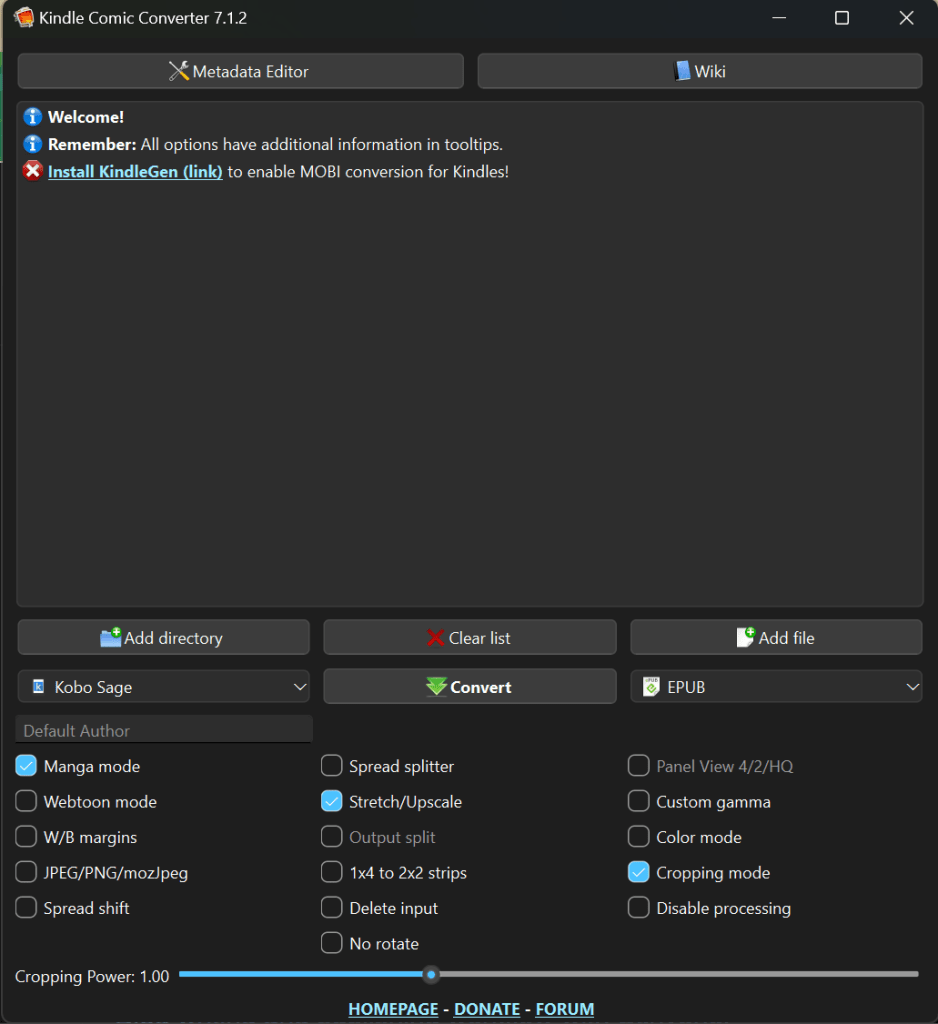
This solved my problem right? Not quite. The Kindle Comic Converter only takes CBZ/CBR files. It hypothetically takes PDFs but the few I tried didn’t work. I started to look for tools to take a PDF and strip out all the pages as images. That is when I came across a tool called epub2cbz https://github.com/bust4cap/epub2cbz-gui . It will take a epub file and convert it to a CBZ file. Then I took the resulting file and used the Kindle Comic Converter to make a epub file that was fully compatible with the Kobo model I own.
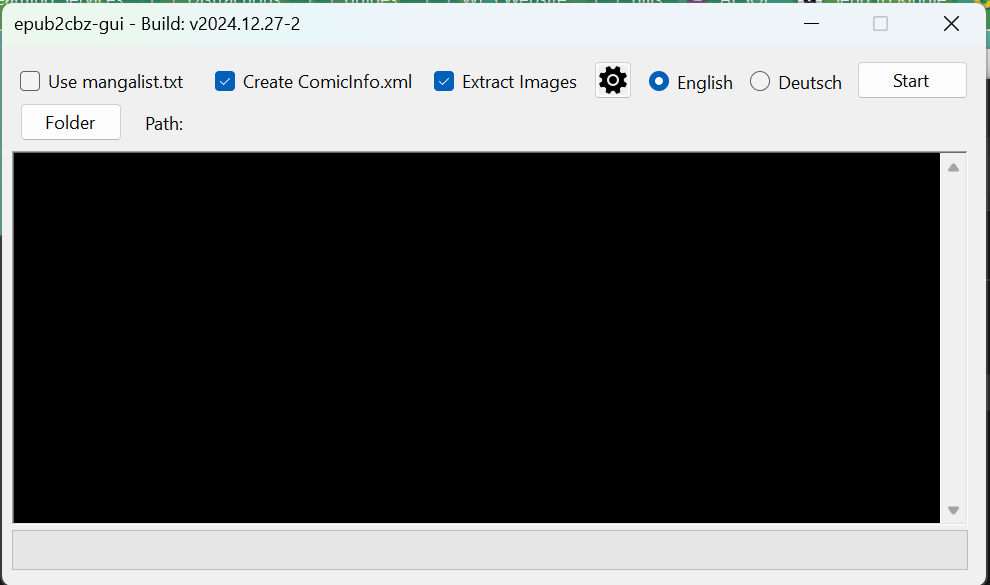
I spent the next several days re-downloading all of the manga I bought from Humble Bundle in epub format, and running it through the epub2cbz tool in batches of 64. Then I let Kindle Comic Converter run for a long time on those resulting files. The end result was really amazing, and I am very happy with it.
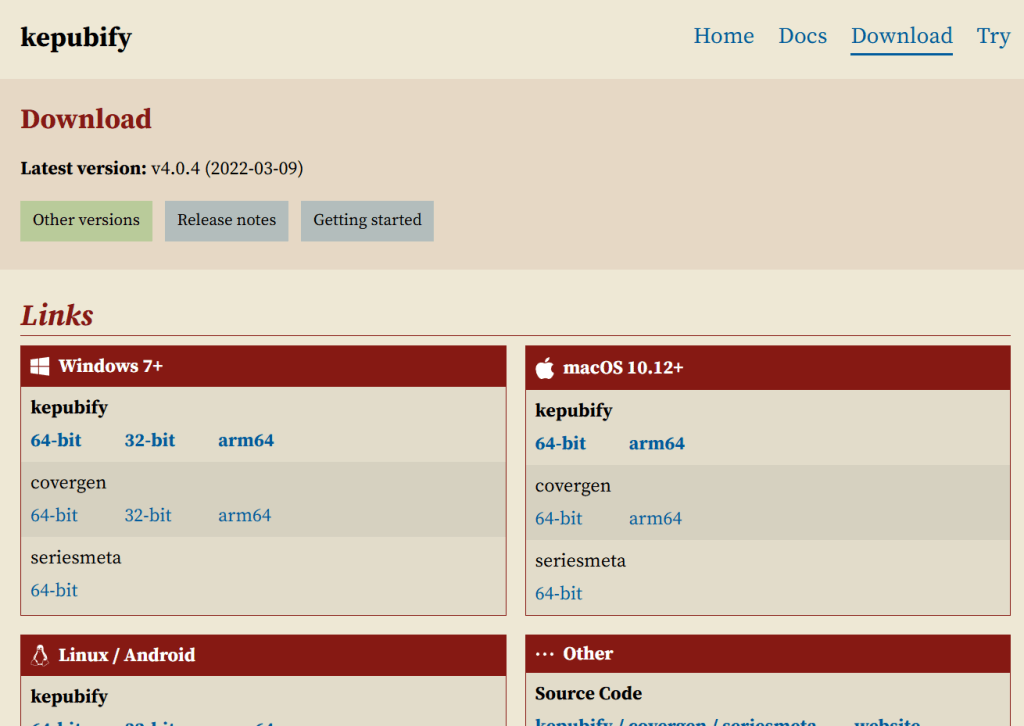
The question that ran through my head was why this process was necessary at all. Why would Kobo bother saying they support epub when in fact in order to have a quality experience you must run the file through a tool. Kobo is thought of as way more open than Amazon, but in reality that isn’t the case. The tool I referenced to run a normal epub file through is called kepub converter https://pgaskin.net/kepubify/dl/. You can use the web version or download it for your computer. It does a beautiful job of making those standard epub files look great on your Kobo device.
I love having my Kobo Sage, not because it is a Kobo, but because of its big beautiful 8 inch e-ink screen. I am very happy that I was able to get the files formatted to work well on this device. Kobo does have a useful feature that allows the device to access my Google Drive, and any books contained within the designated folder. Kobo has a lot of things going for it, but I wish they would put more work into broader compatibility with standard epub files.

 The Gaymer Blog
Leave a comment